Table of Contents
- Video of WordPress Membership Website
- How I Built a WordPress Membership Website Without Restricting Every Page
- 1. Restrict WordPress Posts, Not the Entire Website
- 2. Do Not Restrict Every WordPress Post
- 3. Display an Excerpt Instead of Redirecting Visitors to the Login Page
- Make the Membership CTA Visually Noticeable
- 4. Restrict the Main Content, Not the Entire Page Layout
- 5. Keep the Comment Form Visible but Require Login to Comment
- 6. Use Paywalled-Content Schema Markup for SEO
- Does Paywalled-Content Markup Prevent Cloaking?
- 7. Test Both Restricted and Public Posts
- Conclusion: Build a Flexible WordPress Membership Website
Learn how Dr. Mohammad Hossein Hariri Asl built LELB Society’s WordPress membership model with selective post restrictions, open pages, and bbPress access controls. This guide explains custom exceptions by category, tag, author, or post ID; excerpt-first access with a prominent login CTA instead of forced redirects; visible comments and supporting page elements; and paywalled-content structured data for search engines. It also explains why markup supports transparency but cannot, by itself, guarantee protection from cloaking-related penalties.
Video of WordPress Membership Website

How I Built a WordPress Membership Website Without Restricting Every Page
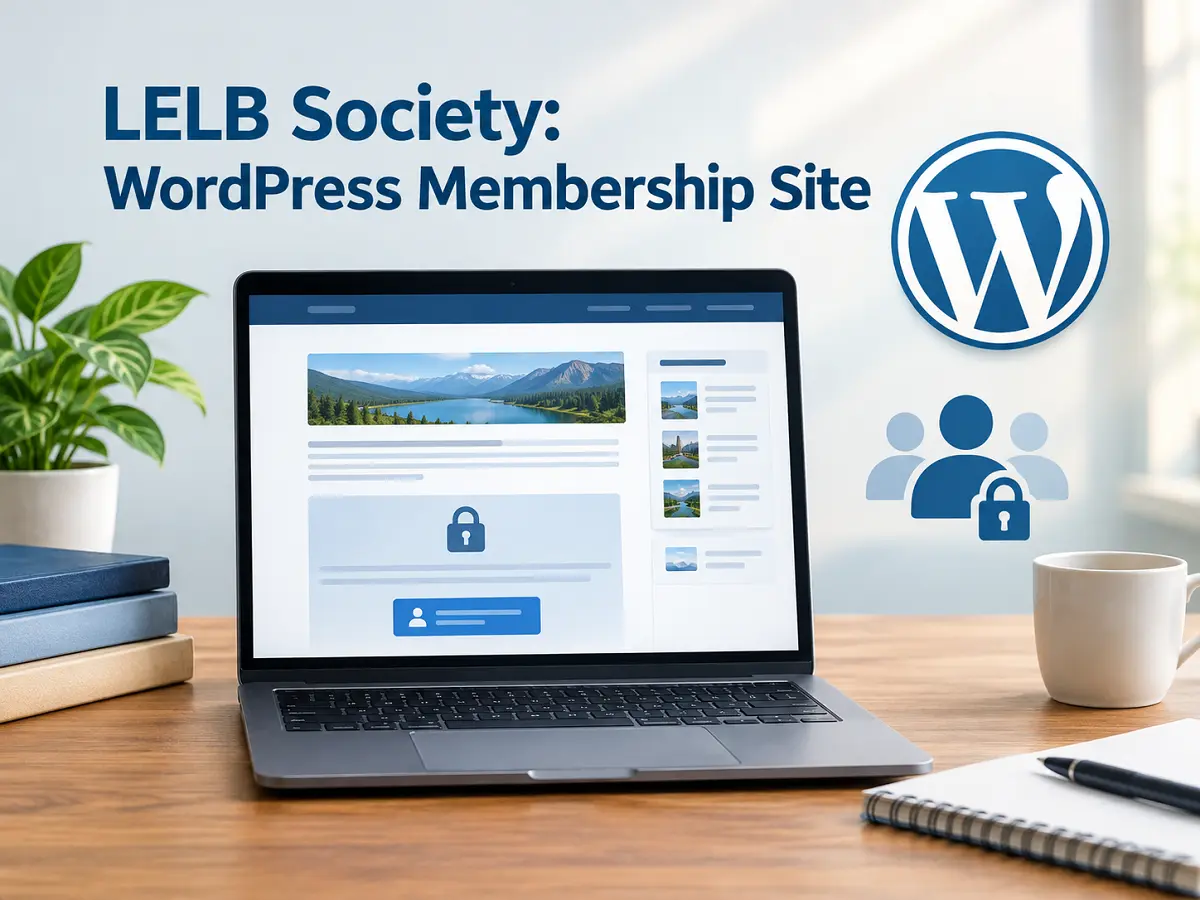
Building a WordPress membership website does not mean you must hide your entire website behind a login screen. With careful access-control rules, custom code, and a user-friendly content layout, you can restrict selected posts while keeping your website’s navigation, supporting information, and public pages accessible to everyone.

At LELB Society, I have developed a membership-based learning community with more than 4,700 posts, discussion features, educational resources, and academic content. Rather than applying the same restrictions to every piece of content, I use a more selective approach that balances membership access, usability, and search engine optimization (SEO).
In this article, I explain the principles behind my WordPress membership setup and the lessons other website owners can learn from it.
1. Restrict WordPress Posts, Not the Entire Website
One of my fundamental decisions was to distinguish between WordPress post types instead of treating every page on the website as restricted content.
At LELB Society, my access-control approach focuses on two areas:
- WordPress posts: Selected posts require membership access to read their complete content.
- bbPress: Forum content is subject to membership restrictions through the forum access rules.
Ordinary WordPress Pages remain freely accessible. This includes the public pages that introduce the website, explain its services, and help visitors find relevant information.
This separation allows visitors to learn about the website and its educational services without being required to register before they can explore anything. For a membership website, public access to essential pages is important. Visitors should be able to understand what the website offers, discover its main sections, and evaluate its services before deciding whether to become members.
My recommendation is to define precisely which content requires membership before implementing any restriction. Do not automatically classify every WordPress post, page, archive, and supporting element as private.
2. Do Not Restrict Every WordPress Post

A large website may contain thousands of posts, but that does not mean all of them should be restricted.
Although LELB Society contains more than 4,700 posts, I have deliberately avoided applying membership restrictions to every post. Some resources are more useful when they remain publicly available, including selected educational materials and articles intended to reach readers through search engines.
To manage these exceptions, I have used custom WordPress code that can exclude posts from the restriction rules based on several criteria:
- Categories: Selected categories can remain publicly accessible.
- Tags: Posts associated with particular tags can be excluded from membership restrictions.
- Authors: Content published by designated authors can be treated differently.
- Individual post IDs: Specific posts can be excluded directly by their WordPress IDs.
These rules provide greater control than a single, blanket restriction applied to the entire post type.
For example, I can make a particular educational resource publicly available while keeping another post in the same general content collection restricted. I can also make access decisions for an individual post without changing the membership status of the entire website. The important lesson is to establish a clear access policy and implement exceptions deliberately. Before restricting thousands of existing posts, review which materials should remain available to non-members.
Selective restrictions also make long-term content management easier. As a website grows, some posts may become public resources, while others may become part of a members-only curriculum. A flexible rule system accommodates these changes without requiring the same policy for every article.
3. Display an Excerpt Instead of Redirecting Visitors to the Login Page

Login or Register at LELB Society
One of my most important design decisions concerns what happens when a logged-out visitor opens a restricted post. I do not automatically redirect that visitor to the default WordPress login page. Instead, the visitor remains on the original post URL and can read an excerpt before encountering a prominent call to action (CTA). This approach gives visitors useful context before asking them to log in.
Imagine a person discovers an English vocabulary lesson through Google. If clicking the search result immediately sends that person to an unfamiliar login page, the original context may be lost. The visitor may not understand what the website offers or why an account is necessary.
Showing an excerpt directly on the requested post provides a better user experience. Visitors can see the subject of the lesson, read some introductory material, and decide whether to continue. The key is to place the membership CTA immediately after the excerpt. It should be the natural next step rather than an unrelated message placed elsewhere on the page.
Make the Membership CTA Visually Noticeable
A restricted-content message should not look like an ordinary paragraph that visitors can easily overlook. I recommend using custom CSS to style the CTA with a clear visual hierarchy. Depending on the website’s design, useful choices include:
- A contrasting background and readable text color.
- Adequate padding and spacing around the message.
- A clearly visible login link or button.
- A concise explanation of what logging in provides.
- Responsive styling that remains easy to use on mobile devices.
For example, the message might read:
Log in to your LELB Society account to continue reading this lesson and participate in the learning community.
The login link should lead to the website’s intended login page rather than exposing visitors to a confusing or unnecessary WordPress administration interface. Where possible, preserve the original post URL so that users can return to the content they were trying to access after logging in. The objective is not simply to restrict content. It is to make the access requirements understandable and the next action obvious.
4. Restrict the Main Content, Not the Entire Page Layout

Another important principle in my implementation is that the restricted portion of a post should not cause the supporting elements of the page to disappear. On LELB Society, a logged-out visitor can still see elements such as:
- The post title and excerpt.
- Breadcrumb navigation.
- Related posts.
- Related tags.
- The sidebar.
- The comment form.
- Other supporting elements that belong to the page layout.
Only the protected post content is restricted. This distinction matters because a WordPress post is more than its main text. Its surrounding elements help visitors understand where they are, discover related resources, and navigate to other sections of the website.
For instance, related posts can lead visitors to other lessons or publicly available articles. Breadcrumbs help them understand the content hierarchy. Tags can reveal related subjects. A sidebar can provide additional navigation.
Hiding all these elements merely because the main content requires a membership would create an unnecessarily restrictive experience. My approach preserves the ordinary website structure while applying access control to the part that actually requires it.
5. Keep the Comment Form Visible but Require Login to Comment

At LELB Society, the comment form on a restricted post is visible to all visitors, including logged-out users. However, visitors must log in to submit a comment. This arrangement separates the visibility of a discussion feature from permission to participate in it.
A visitor can discover that the lesson supports discussion and understand that members can contribute their questions, feedback, or answers. The login requirement is applied when the visitor attempts to participate.
This can be especially useful for an educational membership website. Learning does not always end when someone reads an article or watches a video. Discussion, feedback, and interaction may form an important part of the learning experience.
Making the comment form visible also communicates that the lesson is part of a broader learning community, rather than an isolated piece of restricted text. The same design principle can be applied elsewhere: keep appropriate supporting information visible, but enforce authentication where an actual member-only action is required.
6. Use Paywalled-Content Schema Markup for SEO

Membership restrictions must be implemented with care when search engine visibility matters. Google provides structured-data guidance for subscription-based and paywalled content. The relevant Schema.org properties help search engines understand which portions of an article require a subscription or registration.
For an indexed post containing restricted content, the relevant properties include:
isAccessibleForFree: Indicates whether the article is freely accessible in full.hasPart: Identifies a particular section of the content.WebPageElement: Describes the section identified within the page.cssSelector: Points to the CSS class used to identify the restricted section.
For example, a site might use a class such as .paywalled-content around the protected portion of an article. The corresponding structured data can then identify that section as requiring membership access. The CSS selector must match the actual markup used by the website. Google’s guidance specifies class selectors for the cssSelector property, and the structured data must accurately describe the content that is protected.
For a post that is entirely accessible without registration, do not incorrectly describe its main content as paywalled. The markup should reflect the actual access conditions of the individual post. If your WordPress theme or SEO implementation already generates Article structured data, integrate the paywall properties into the appropriate existing structured-data entity rather than blindly adding a second, conflicting Article description.
Does Paywalled-Content Markup Prevent Cloaking?
It is important to distinguish between identifying a legitimate paywall and guaranteeing compliance with Google’s spam policies. Cloaking involves presenting different content to users and search engines with the intent to manipulate rankings or mislead users. A genuine membership website has a different purpose: it controls access to particular content according to an explicit membership policy.
Google explains that paywalled content is not considered cloaking when Google can see the full content behind the paywall in the same way as an authorized reader, and the site follows Google’s applicable flexible-sampling guidance. Structured data helps Google distinguish legitimate restricted content from cloaking. However, adding schema markup alone does not guarantee that a website will avoid a penalty.
For posts intended to be crawled and indexed with their restricted content, the implementation must also allow Google to access and render the relevant content in accordance with Google’s guidance. Markup does not give a crawler access to text that the server never provides to it.
It is equally important that the structured data accurately represents the real page. Do not invent a special version of an article for search engines or label unrelated visible elements as restricted content merely to influence indexing.
7. Test Both Restricted and Public Posts

Custom membership code can affect multiple parts of a WordPress website, so testing is essential. I recommend testing at least two types of posts: one that should require membership and another that should remain publicly accessible.
For a restricted post, check that a logged-out visitor remains on the requested URL, sees the intended excerpt, encounters the CTA immediately afterward, and can still use the available navigation and view the comment form. Then verify that logging in provides the appropriate access.
For an exempt post, confirm that its full content is available without registration. Test exemptions based on categories, tags, authors, and individual post IDs whenever those rules are relevant to your configuration. You should also check that the restriction logic does not unintentionally affect ordinary WordPress Pages, forum permissions, or other post-template elements.
Finally, validate your structured data and inspect representative URLs using Google’s Rich Results Test and the URL Inspection tool in Google Search Console. These checks help identify markup problems and show how Google accesses and renders a page, although passing a test does not guarantee a particular search appearance or ranking.
Testing a small, representative selection of URLs is a useful starting point before applying changes across thousands of posts.
Conclusion: Build a Flexible WordPress Membership Website
My experience developing LELB Society has taught me that a WordPress membership website does not need to sacrifice usability or public accessibility to protect premium content. By restricting selected WordPress posts and bbPress content, keeping ordinary Pages public, and using custom rules to exempt individual posts, categories, tags, or authors, I can control access without treating every post as restricted.
Showing an excerpt and a prominent login CTA instead of forcing visitors onto the WordPress login screen keeps the experience connected to the original content. Preserving breadcrumbs, related posts, tags, sidebars, and comment forms allows the rest of the page to remain useful, even when the main content requires membership.
Finally, accurate paywalled-content structured data and careful testing help communicate access rules to search engines, while compliance with Google’s broader policies remains essential. If you are building a WordPress membership website, consider starting with a selective, content-level restriction strategy rather than locking down the entire site. A well-designed membership system should protect the content that needs protection while keeping the rest of the website accessible, navigable, and useful to everyone.