Table of Contents
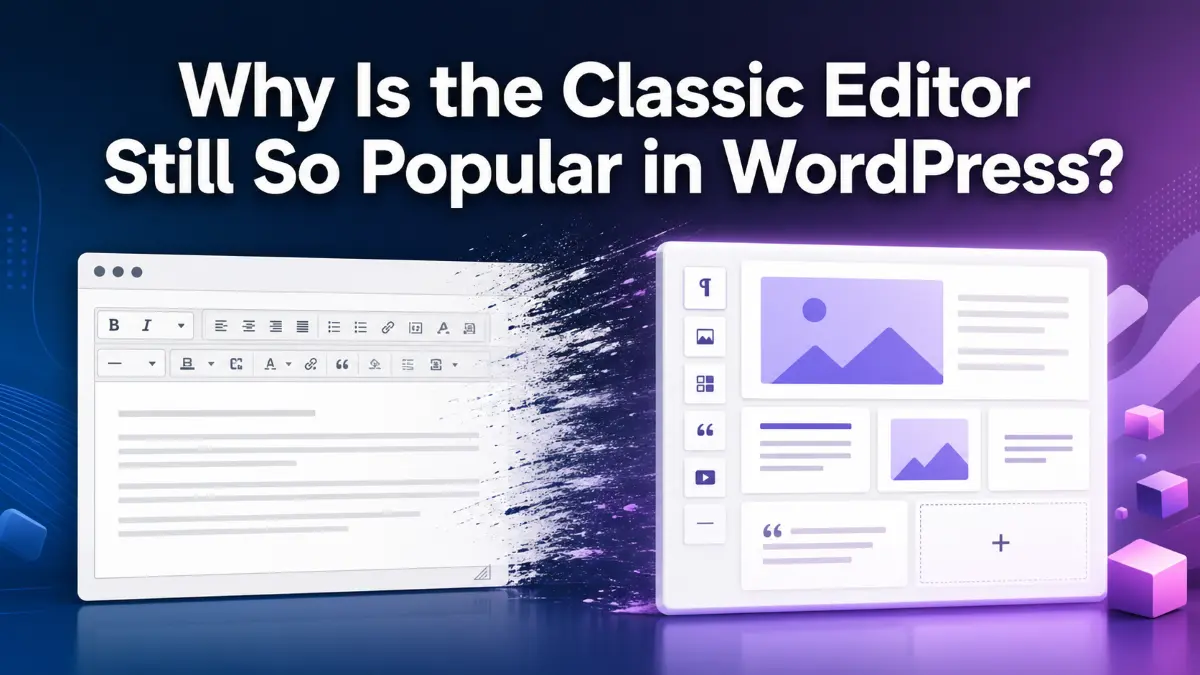
Why do millions of WordPress websites still use the Classic Editor when the Block Editor already includes a Classic block? This article explores the reasons behind its popularity, including resistance to change, familiarity, legacy workflows, plugin compatibility, and the psychology of software habits. It also examines whether installing a separate plugin is still necessary for users who simply want the traditional WordPress writing experience without using modern blocks.
Video of Classic Editor Popularity

WordPress has changed dramatically since the introduction of the Block Editor in WordPress 5.0 in December 2018. The goal was to move WordPress toward a more flexible, block-based way of creating content. Today, users can choose from a large collection of blocks for paragraphs, headings, lists, images, galleries, buttons, columns, media, and many other types of content. Yet one interesting question remains: why is the Classic Editor still so popular?
The question becomes even more interesting when we look at what WordPress already provides inside the Block Editor. Users who prefer the traditional writing experience do not necessarily need to leave the Block Editor completely. WordPress includes a Classic block, which looks and behaves much like the old classic editing interface. According to the official WordPress documentation, the Classic block is essentially the classic editor presented in block form. (WordPress.org) So why do so many website owners still install a separate plugin to restore the old editor?
The Classic Editor and the Long Shadow of Familiarity
The first and perhaps most obvious explanation is resistance to change. People become comfortable with the tools they use every day, and familiarity can be extremely powerful. Someone who spent years creating WordPress posts with the classic TinyMCE editor may see little reason to change simply because a newer interface has arrived.
This is not unique to WordPress. Software history is full of examples of users continuing to prefer familiar interfaces long after newer alternatives become available. A familiar workflow has value because users already know where everything is, which buttons to click, how content behaves, and how their existing routines work. Learning a new interface introduces friction, even when the new system offers more capabilities.

For some WordPress users, Gutenberg may therefore feel like a solution to a problem they never had. Their websites work. Their publishing process works. Their team knows the old editor. Their content is being produced. From that perspective, changing editors can feel unnecessary.
There is also a psychological principle behind this: “better” is not always perceived as better when it requires learning something new. A familiar tool that does everything a person needs can feel more valuable than a more powerful tool that requires adaptation.
The Classic Block Makes the Situation More Interesting

Here is where the discussion becomes particularly interesting. Someone may say, “I don’t want to use blocks. I just want the old editor.” But the Block Editor already contains a Classic block. WordPress describes it as looking just like the classic editor, but functioning within the block-based environment. It even provides the familiar classic editing toolbar, and existing content can be converted into blocks when appropriate. (WordPress.org)
That means a user can open a normal WordPress post in the Block Editor, insert a Classic block, and continue writing in a traditional editing environment. At the same time, the user remains inside the modern editor and can add other blocks whenever necessary. This creates an interesting middle ground. A person who dislikes Gutenberg does not necessarily have to choose between “use every modern block” and “install the Classic Editor plugin.” There is a third option: use the Block Editor and simply use the Classic block when a traditional writing experience is preferred.
This does not mean the Classic block and the Classic Editor plugin are identical in every technical respect. The Classic Editor plugin restores the previous editor and the old-style Edit Post screen, including support for workflows that depend on the previous screen, such as certain old-style meta boxes and plugins. (WordPress.org) That distinction matters, particularly for older or specialized websites. However, for an ordinary writer whose primary requirement is simply, “I want a familiar text editor,” the Classic block raises a reasonable question: Do I really need another plugin?
Why Do Millions Still Install Classic Editor?
The popularity of the Classic Editor cannot be explained by resistance to change alone. There are several practical reasons why the plugin remains attractive. First, many websites have legacy workflows. A large organization may have been using WordPress for years and built processes around the old editor. Its staff may have training materials, documentation, internal procedures, and custom integrations designed around the traditional editing screen. Replacing that workflow is not simply a matter of clicking a button.
Second, the Classic Editor plugin can be important for backward compatibility. WordPress itself explains that the plugin can support plugins that extend the old editing screen or depend on old-style meta boxes. (WordPress.org) For some websites, therefore, using Classic Editor is not just an emotional attachment to an old interface. It can be a deliberate technical decision.
Third, there is the issue of knowledge. Many users simply may not know that the Classic block exists. They may know only two choices: the old Classic Editor or Gutenberg. If their preferred solution has always been “install Classic Editor,” they may never investigate what WordPress already provides inside the Block Editor.
This is an important lesson in website management. People often install a plugin because they know that the plugin solves a problem, but they do not always investigate whether WordPress already has a built-in feature that solves most of the same problem.
Less Is Often More in WordPress

Less Is Often More in WordPress
This brings us to a broader principle that goes beyond the editor itself: every plugin should have a reason to exist. There is nothing inherently wrong with using plugins. Plugins are one of the main reasons WordPress is so flexible. The problem begins when website owners accumulate plugins without periodically asking whether each one is still necessary.
A plugin adds another component that may require updates, compatibility testing, configuration, troubleshooting, and long-term maintenance. In isolation, one additional plugin may not seem important. But website management is cumulative. Ten unnecessary decisions can eventually become a maintenance problem, especially on a large or long-lived website. This is why understanding native WordPress functionality matters. Before installing a plugin, it is worth asking a simple question:
Does WordPress already provide this functionality?
The answer will not always be yes. Sometimes a plugin is clearly the correct solution. The Classic Editor is a good example because there are legitimate cases where restoring the old editing screen and maintaining compatibility with older workflows is important. But there are also situations where the Classic block may provide exactly the experience the user is seeking without replacing the Block Editor itself. (WordPress.org) The objective should not be “use as few plugins as possible” as an absolute rule. The better principle is use only the tools that provide real value.
The Bigger Lesson: Question Your Defaults

Perhaps the most interesting thing about the Classic Editor debate is not the editor itself. It is what the debate tells us about how we manage websites. People often continue doing something because they have always done it. They may never stop to ask whether the original reason still exists. A plugin that was essential years ago may no longer be necessary. A workflow created for an older version of WordPress may continue simply because nobody has challenged it.
That is why the Classic Editor is such an interesting case study. Its popularity is partly about familiarity, partly about compatibility, partly about established workflows, and partly about simple human resistance to change. At the same time, the existence of the Classic block creates an important question for users who only want a traditional writing experience. The right answer is not that everyone should uninstall Classic Editor. Different websites have different requirements. Instead, the lesson is to think before adding another layer of technology.
WordPress gives users an enormous amount of functionality out of the box. Good website management is not necessarily about having the largest collection of tools. It is about understanding the tools you already have and choosing additional ones carefully. Sometimes the most useful question in WordPress is not, “Which plugin should I install?”
It is simply: “Do I need a plugin at all?”