

Table of Contents
- Video of LELB Simple Floating Contact Plugin
- Key Features of LELB Simple Floating Contact
- 1. Multiple Contact Channels
- 2. Flexible Floating Button Position
- 3. Customizable Button Appearance
- 4. Click-to-Open Interaction
- 5. Optional Contact Labels
- 6. External Link Behavior
- 7. Enable or Disable the Widget
- Accessibility and Keyboard Support
- Lightweight Implementation and Website Performance
- Privacy-Conscious Design
- Simple WordPress Administration
- Who Can Benefit from This Plugin?
- Educational Websites
- Business Websites
- Personal Blogs and Portfolios
- Professional and Institutional Websites
- Frequently Asked Questions
- What does LELB Simple Floating Contact do?
- Does the plugin support WhatsApp, Telegram, and telephone links?
- Can I change the position of the floating contact button?
- Can I customize the appearance of the floating button?
- Does the contact menu open automatically when visitors hover over it?
- Is the plugin keyboard-accessible?
- Does the plugin affect website performance?
- Does the plugin collect visitors’ personal information?
- Do I need an external account or API key to use the plugin?
- Can I disable the floating contact widget without uninstalling the plugin?
- Installation and Getting Started
- Download LELB Simple Floating Contact
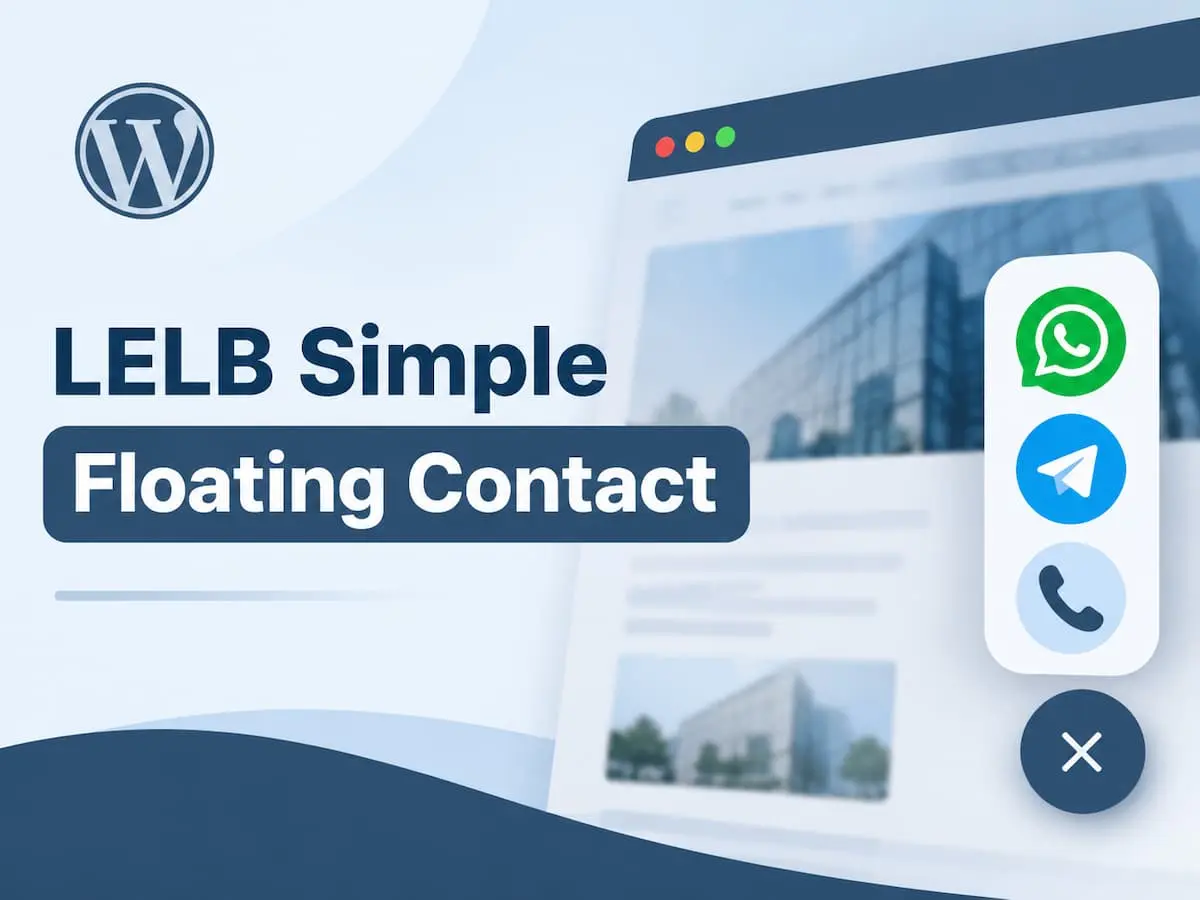
LELB Simple Floating Contact is a lightweight, accessible, and privacy-conscious WordPress plugin that makes it easier for website visitors to contact you through their preferred communication channels. It adds a compact floating contact button to your website, providing convenient access to WhatsApp, Telegram, and telephone links without introducing an unnecessarily complicated chat system or bulky interface.
Designed with simplicity, usability, and performance in mind, this plugin allows website administrators to provide essential contact options through an unobtrusive floating menu. Visitors can open the menu by clicking or tapping the floating button and select their preferred contact method. The interface works across desktop computers, tablets, and mobile devices.
Video of LELB Simple Floating Contact Plugin

Whether you manage an educational website, personal blog, professional portfolio, or business website, LELB Simple Floating Contact offers a straightforward way to make your contact information accessible throughout your website.
Key Features of LELB Simple Floating Contact
The plugin combines essential contact functionality with practical customization options, accessibility considerations, and a lightweight implementation.
1. Multiple Contact Channels
Provide visitors with convenient access to your preferred communication channels through a single floating button.
The plugin supports three contact methods:
- WhatsApp: Allow visitors to initiate a WhatsApp conversation using your configured contact link.
- Telegram: Make your Telegram contact or account accessible through a direct link.
- Telephone: Allow visitors to reach you through a telephone link, which can open the appropriate calling application on supported devices.
You can configure the available contact information according to your communication preferences.
2. Flexible Floating Button Position
Choose where the floating contact button appears on your website.
The plugin supports two positioning options:
- Bottom-right corner
- Bottom-left corner
This flexibility allows you to position the contact widget according to your website layout and avoid interfering with other interface elements.
3. Customizable Button Appearance

Personalize the floating button by configuring its background color.
This option helps you coordinate the contact widget with your website’s branding, color scheme, and overall visual identity.
The compact design also helps keep the widget visually unobtrusive while maintaining convenient access to contact options.
4. Click-to-Open Interaction
Unlike contact widgets that automatically expand when visitors hover over them, LELB Simple Floating Contact uses an intentional click-or-tap interaction.
Visitors can open the contact menu when they need it and close it when they are finished.
This behavior provides a more predictable experience, particularly on touchscreens and mobile devices where hover interactions are unavailable.
5. Optional Contact Labels
Administrators can choose whether to display descriptive labels alongside the contact options.
These labels help visitors recognize the available communication methods without having to rely exclusively on icons.
The option to show or hide labels also provides flexibility when adapting the interface to different website designs.
6. External Link Behavior
The plugin provides options for controlling how external contact links behave.
Administrators can configure supported contact links to open in a new browser tab and enable the nofollow relationship attribute where appropriate.
These options provide additional control over how visitors navigate from the website to external communication services.
7. Enable or Disable the Widget

Website administrators can enable or disable the floating contact functionality through the WordPress dashboard.
This makes it possible to control the availability of the contact widget without uninstalling the plugin.
Accessibility and Keyboard Support
Accessibility is an important consideration in the design of LELB Simple Floating Contact.
A floating contact widget should not only look convenient but should also remain usable for visitors who navigate websites using keyboards or assistive technologies.
The plugin incorporates several accessibility-oriented features:
- Keyboard accessibility: Visitors can interact with the contact controls using supported keyboard navigation.
- Escape key support: Pressing the Escape key closes the expanded contact menu.
- Screen-reader labels: Appropriate accessible labels help assistive technologies identify the purpose of interactive controls.
- Customizable control labels: Administrators can configure accessible labels for the menu’s open and close controls.
- Visible keyboard focus: Interactive elements provide visible focus indicators to help keyboard users understand their current position.
- Predictable interaction: The menu opens and closes through intentional user interaction rather than relying on hover behavior.
These features contribute to a more inclusive browsing experience and make the contact widget more accessible to visitors with different interaction preferences.
Lightweight Implementation and Website Performance

LELB Simple Floating Contact is designed to provide essential functionality without unnecessarily increasing the complexity of your WordPress website.
The plugin uses lightweight CSS and vanilla JavaScript rather than relying on external JavaScript libraries or large third-party frameworks.
It does not require external API connections, third-party tracking scripts, or additional service accounts to provide its core functionality.
An important performance consideration is its conditional frontend asset loading.
The plugin loads its frontend CSS and JavaScript only when the floating contact widget is enabled and at least one contact method has been configured.
This approach avoids loading unnecessary frontend assets when the widget is not being used.
By keeping its implementation focused on the functionality it actually needs, the plugin provides a practical contact solution for websites where simplicity and efficient resource usage matter.
Privacy-Conscious Design
Privacy is another important consideration in the development of LELB Simple Floating Contact.
The plugin itself does not collect, store, or transmit visitors’ personal information. It does not require visitors to create accounts, and it does not connect to external APIs or load third-party tracking scripts.
The contact functionality relies on ordinary links to the communication services configured by the website administrator.
When visitors choose to follow a WhatsApp or Telegram link, they leave the website or interact with the corresponding external service. The privacy policies and data-handling practices of those services apply to their subsequent interactions.
Similarly, telephone links may open the calling application available on the visitor’s device.
This separation keeps the plugin’s own functionality simple while allowing visitors to use familiar communication channels.
Simple WordPress Administration

LELB Simple Floating Contact provides a straightforward settings interface in the WordPress administration dashboard.
Website administrators can configure the available contact options and customize the widget without having to edit theme files or write custom JavaScript.
The available settings include:
- Enabling or disabling the floating contact widget.
- Configuring WhatsApp, Telegram, and telephone contact information.
- Choosing the bottom-right or bottom-left button position.
- Customizing the floating button’s background color.
- Showing or hiding contact labels.
- Configuring supported external links to open in a new browser tab.
- Enabling the
nofollowrelationship attribute. - Customizing the accessible labels for the open and close controls.
These settings provide sufficient flexibility for many websites while preserving the plugin’s central philosophy: essential functionality without unnecessary complexity.
Who Can Benefit from This Plugin?
LELB Simple Floating Contact is suitable for a wide range of WordPress websites.
Educational Websites
Online learning platforms, educational blogs, language-learning websites, and academic institutions can use the widget to make communication channels readily accessible to students, teachers, and prospective members.
Business Websites
Small businesses, service providers, consultants, and professional organizations can provide visitors with convenient access to their preferred communication channels.
Personal Blogs and Portfolios
Bloggers, independent professionals, and content creators can make their contact information accessible without dedicating excessive space to permanent contact sections.
Professional and Institutional Websites
Organizations and professional websites can benefit from a compact contact interface that complements their existing navigation and page layouts.
Frequently Asked Questions
What does LELB Simple Floating Contact do?
It adds a floating contact button to your WordPress website. Visitors can open the contact menu and choose between the WhatsApp, Telegram, and telephone links configured by the website administrator.
Does the plugin support WhatsApp, Telegram, and telephone links?
Yes. The plugin supports all three communication methods. Administrators can configure the corresponding contact information through the WordPress dashboard.
Can I change the position of the floating contact button?
Yes. You can position the button in either the bottom-right or bottom-left corner of your website.
Can I customize the appearance of the floating button?
Yes. The plugin allows you to customize the button’s background color. You can also choose whether contact labels are displayed.
Does the contact menu open automatically when visitors hover over it?
No. The menu opens when visitors click or tap the floating button. This intentional interaction provides predictable behavior across desktop and touchscreen devices.
Is the plugin keyboard-accessible?
The plugin includes keyboard interaction support, Escape-to-close functionality, screen-reader labels, customizable accessible labels for the open and close controls, and visible keyboard focus indicators.
Does the plugin affect website performance?
The plugin is designed to remain lightweight. It uses CSS and vanilla JavaScript without depending on external JavaScript libraries. Its frontend assets are loaded conditionally, only when the widget is enabled and at least one contact method is configured.
Does the plugin collect visitors’ personal information?
No. The plugin itself does not collect, store, or transmit visitors’ personal information. It does not include third-party tracking scripts or external API connections. However, external communication services have their own privacy policies and data-handling practices.
Do I need an external account or API key to use the plugin?
The plugin does not require an external API key, additional service account, or third-party API connection. You simply configure the contact links you want to make available to visitors.
Can I disable the floating contact widget without uninstalling the plugin?
Yes. You can enable or disable the widget through the plugin’s settings in the WordPress dashboard.
Installation and Getting Started
Getting started with LELB Simple Floating Contact is straightforward.
- Visit the WordPress plugin directory and search for LELB Simple Floating Contact.
- Install and activate the plugin through your WordPress administration dashboard.
- Open the plugin’s settings.
- Configure your preferred WhatsApp, Telegram, and telephone contact information.
- Choose the floating button’s position and customize its appearance.
- Configure the optional contact labels and link behavior.
- Set the accessible labels for the open and close controls.
- Enable the widget and visit your website to test its functionality.
You can adjust these settings whenever your contact information or website design changes.
Download LELB Simple Floating Contact
LELB Simple Floating Contact is available through the official WordPress plugin directory.
Download the plugin:
Developed by LELB Society
LELB Simple Floating Contact is developed and maintained by LELB Society, an educational platform dedicated to improving learning experiences through accessible, interactive, and technology-enhanced educational resources.